How to prepare your photo
A good photo is the foundation of a beautiful canvas. A few simple tips.
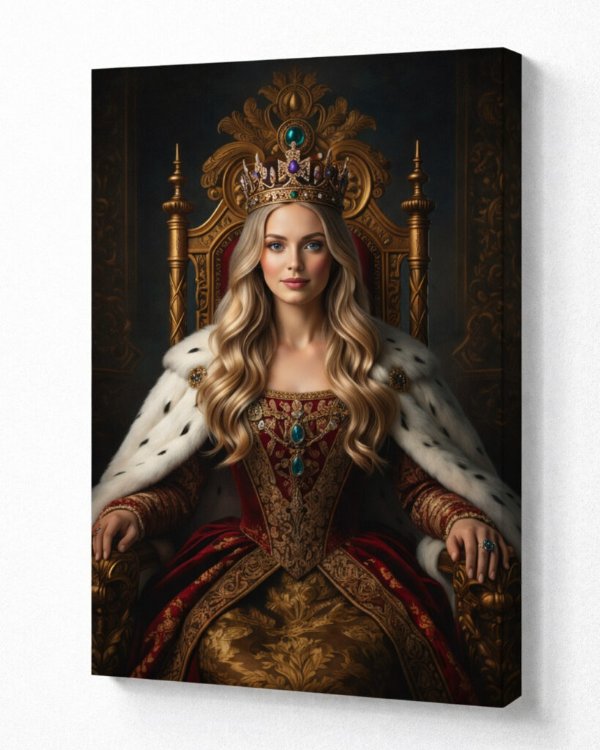
✓ Good photo
Sharp, well lit, face clearly visible, original resolution.
What you need for a great result
- Original file. Upload the photo straight from your phone or camera, not from Facebook or Messenger.
- Sharpness. Zoom in on your phone – the eyes and facial contours should be clear.
- Light. The best photos are taken in daylight without harsh shadows.
- Whole face. For portraits, the face should not be covered by sunglasses, hair or hands.
- Orientation. Choose portrait orientation for a vertical photo and landscape for a horizontal one.
Once you upload a photo on the order page, the system immediately shows whether its quality suits the chosen size.
Photos to avoid
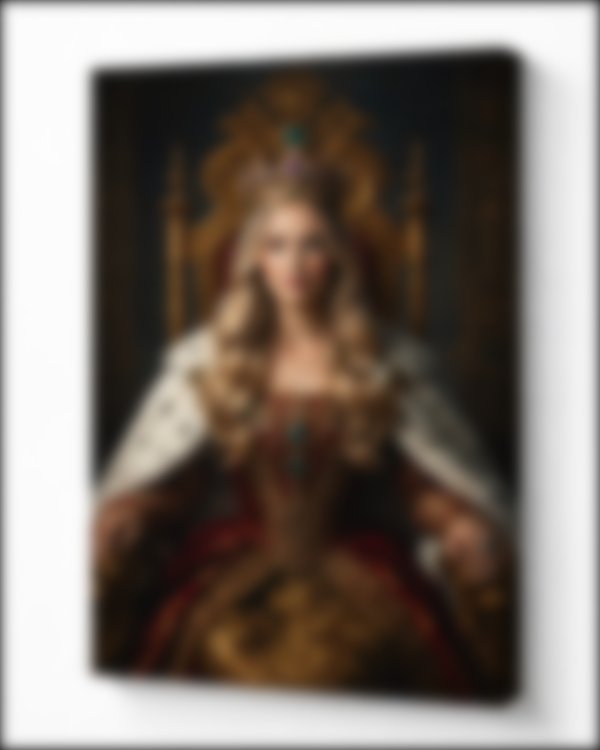
✗ Blurry
A shaky or out-of-focus photo will look even blurrier on canvas.
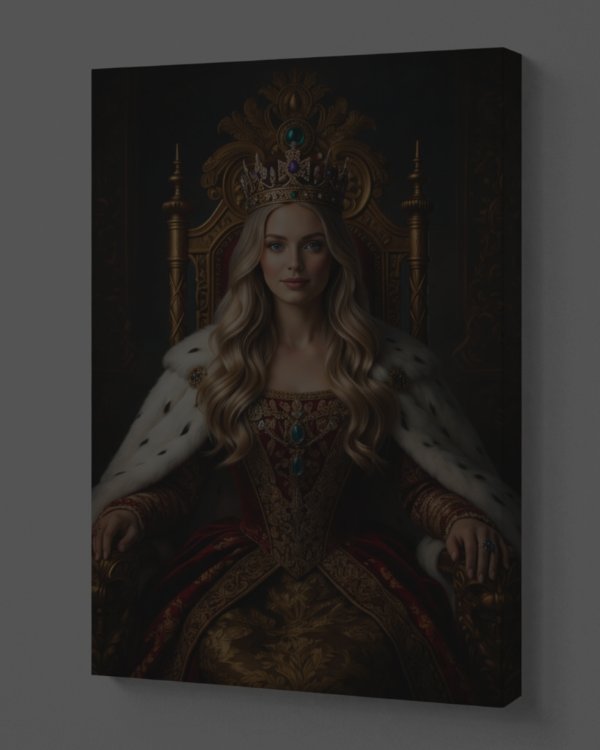
✗ Too dark
Dark photos lose details and colours.
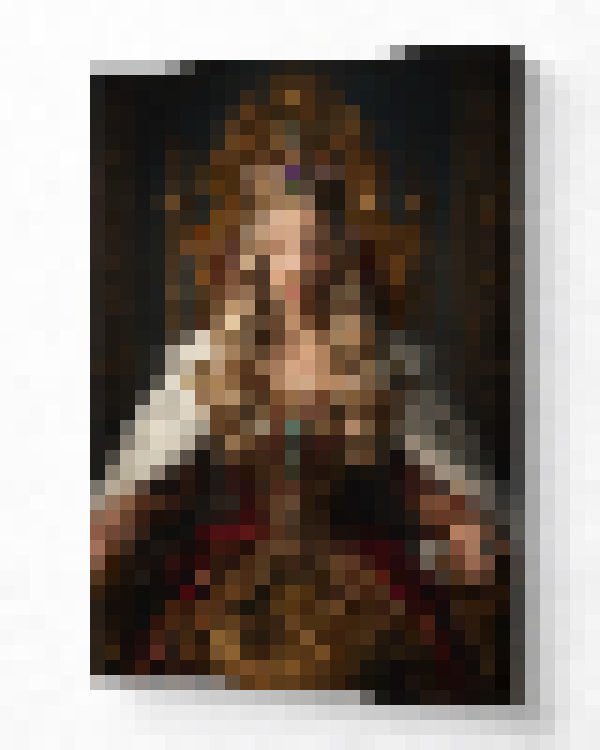
✗ Low resolution
Screenshots and social media photos are too small for a large canvas.
✗ Cropped face
Choose a photo where the whole face and head fit in the frame.
Recommended resolution
| Canvas size | Minimum photo resolution |
|---|---|
| 20×30 – 30×40 cm | 1200 × 1600 px |
| 40×50 – 50×70 cm | 2000 × 2800 px |
| 50×90 – 70×100 cm | 2800 × 4000 px |
| 80×120 – 100×150 cm | 3500 × 5000 px |
Photos from modern phones usually work even for the largest canvases.